mirror of
https://github.com/HirziDevs/PteroStats
synced 2026-01-08 07:11:48 +00:00

3.0 KiB
3.0 KiB

Introduction
PteroStats is a bot designed to check Pterodactyl Panel and Nodes status and post it to your discord server
Installation
Getting apikey from pterodactyl
-
Go to your
pterodactyl admin pageand go toApplication API.
-
Click on the
Create Newbutton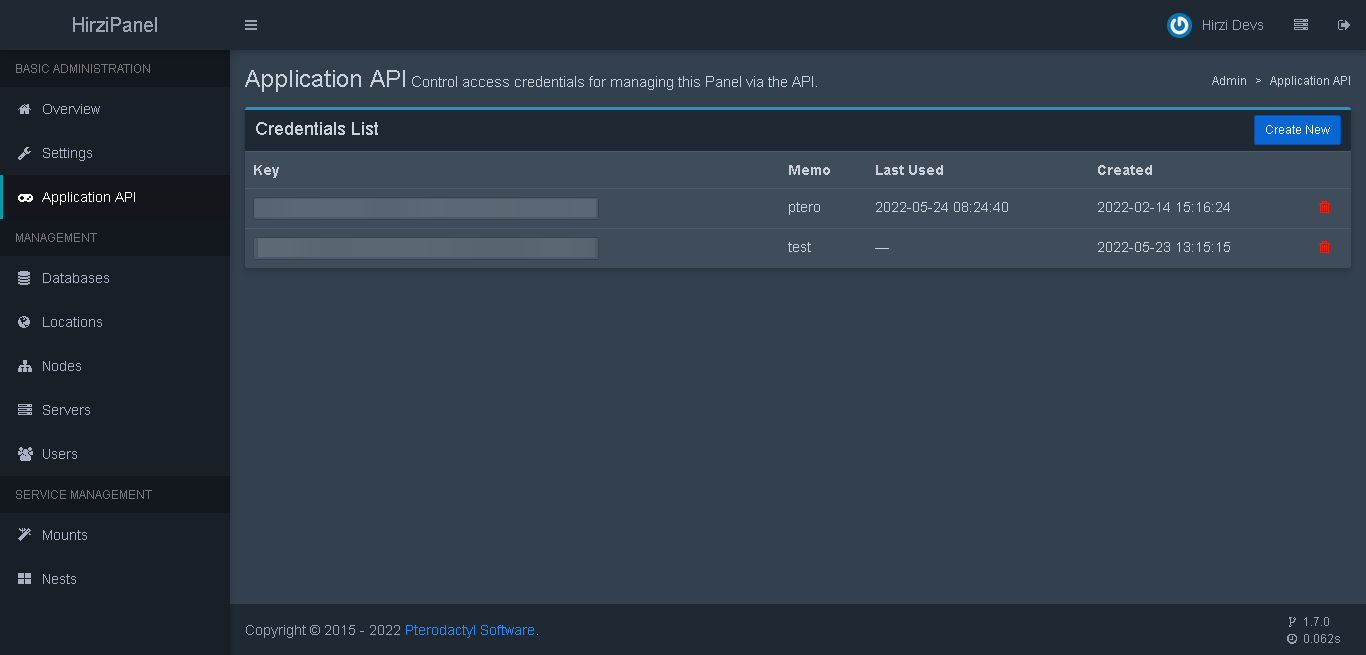
-
Set all options permission to
readand for description you can put whatever you want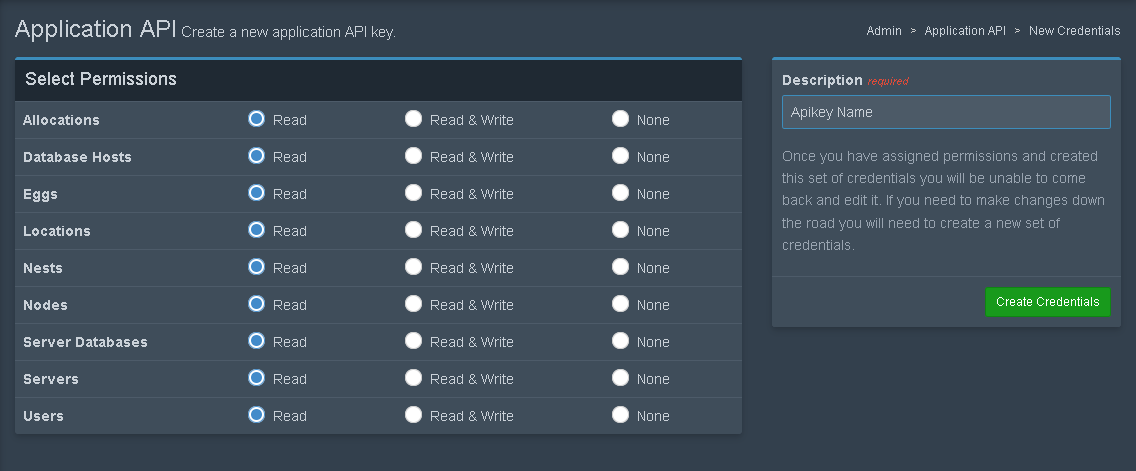
-
Copy the apikey.
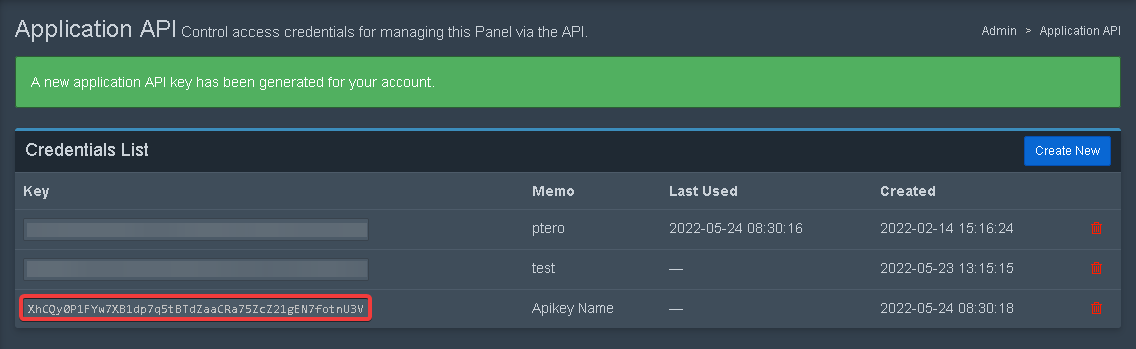
Creating Discord Bot
Please refer to this website
Inviting Discord Bot
Please refer to this website
Getting Channel ID
-
Enable Developer Feature at your discord settings
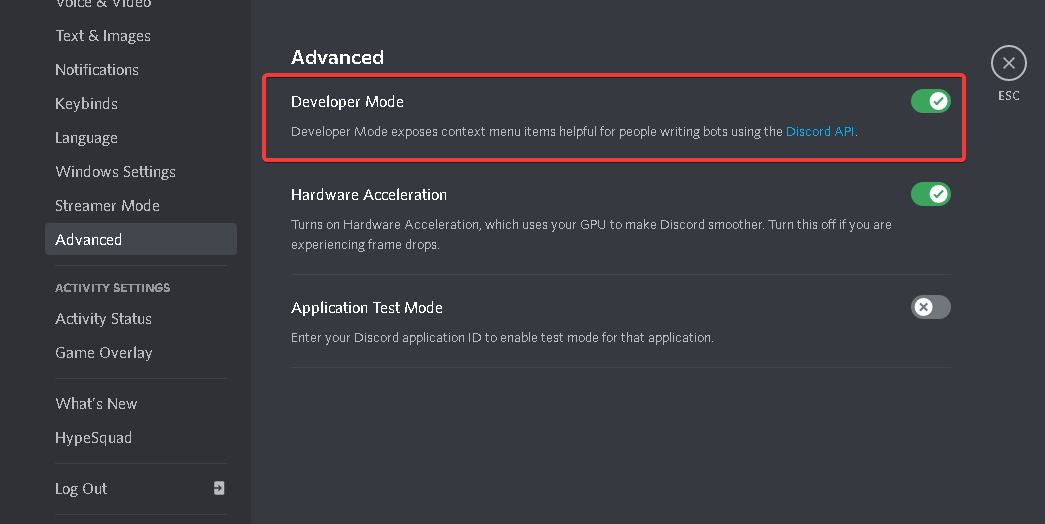
-
Copy Channel ID

Starting bot
- Put discord bot token in
config.ymlattoken line. - Put your pterodactyl
apikeyandurlinconfig.ymlatpanel line. - Copy
channel idfrom your discord server and put it inconfig.ymlfile atchannel line. - Run
npm installin the root directory of the bot files. - Run
node indexand you are done.
if you need help contact me on discord Hirzi#8701 or join our discord support server
Using Custom Emoji
-
type
\in guild that has custom emoji you want
-
Select custom emoji you want
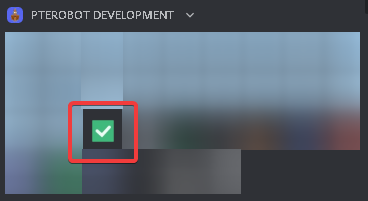
-
Copy the text!

Admin Apikey Permission
enable read on all options, if still didn't work enable read & write on all options

Links
- Pterodactyl Panel
- Pterodactyl Api Documentation
- Pterodactyl Discord Server
- PteroBot Support Server
- PteroBot Support Server (Indonesia)