


Introduction
PteroStats is a bot designed to check Pterodactyl Panel and Nodes status and post it to your discord server
Installation
- Getting apikey from pterodactyl
- Creating Discord Bot
- Inviting Discord Bot
- Getting Channel ID
- Starting bot
- Using Custom Emoji
- Blacklist Nodes
Getting apikey from pterodactyl
-
Go to your
pterodactyl admin pageand go toApplication API.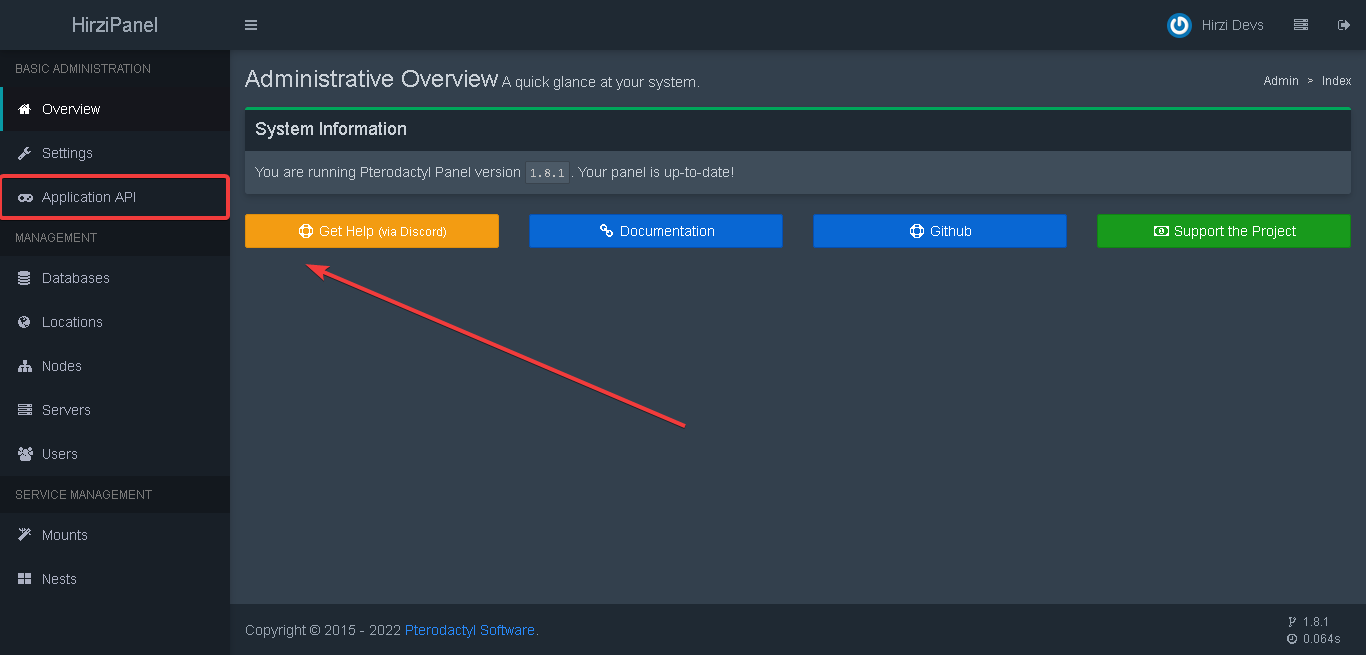
-
Click on the
Create Newbutton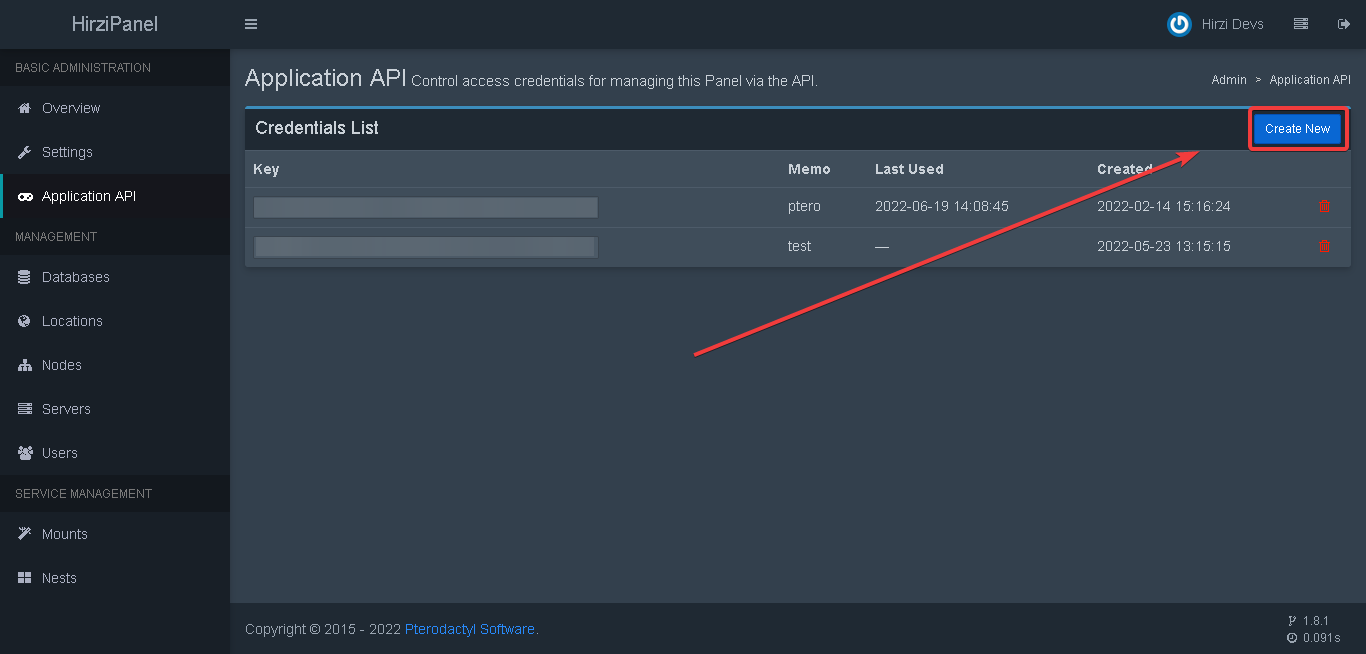
-
Set all options permission to
readand for description you can put whatever you want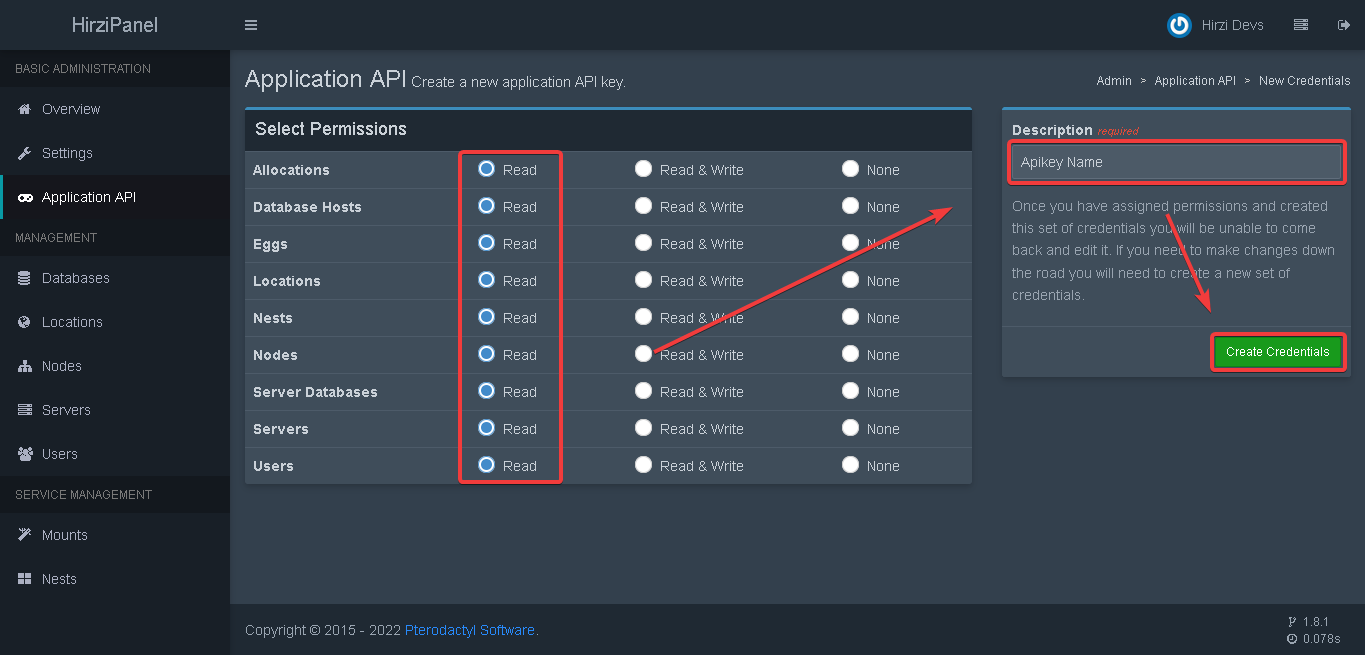
-
Copy the apikey.

Creating Discord Bot
Please refer to this website
Inviting Discord Bot
Please refer to this website
Getting Channel ID
-
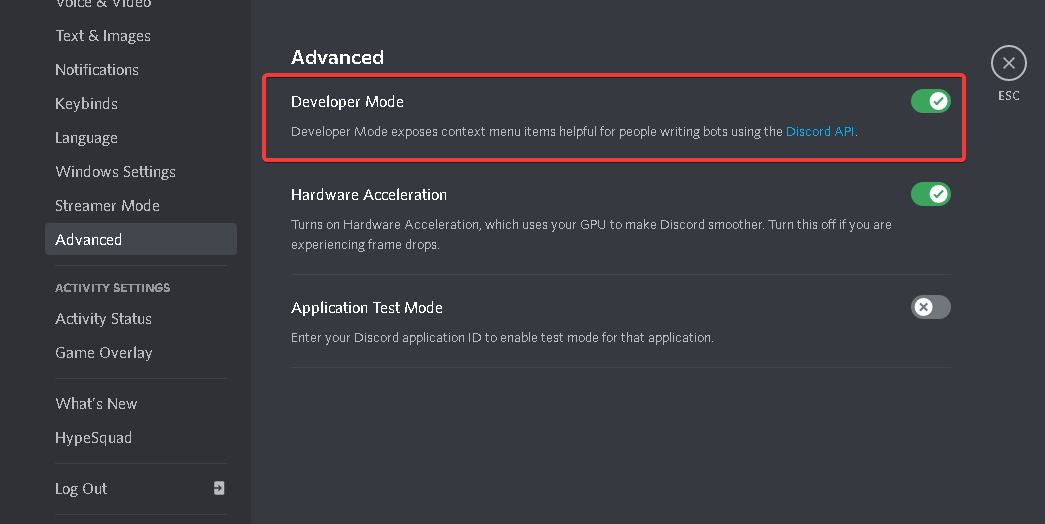
Enable Developer Feature at your discord settings
-
Right Click text channel and select
Copy ID
Starting bot
- Put discord bot token in
config.ymlattoken line. - Put your pterodactyl
apikeyandurlinconfig.ymlatpanel line. - Copy
channel idfrom your discord server and put it inconfig.ymlfile atchannel line. - Run
npm installin the root directory of the bot files. - Run
node indexand you are done.
if you need help contact me on discord Hirzi#8701 or join our discord support server
Using Custom Emoji
-
type
\in guild that has custom emoji you want
-
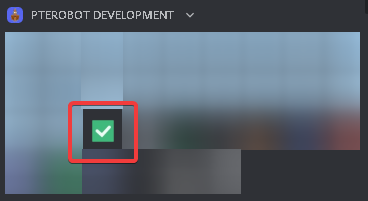
Select custom emoji you want
-
Copy the text!

Blacklist Nodes
-
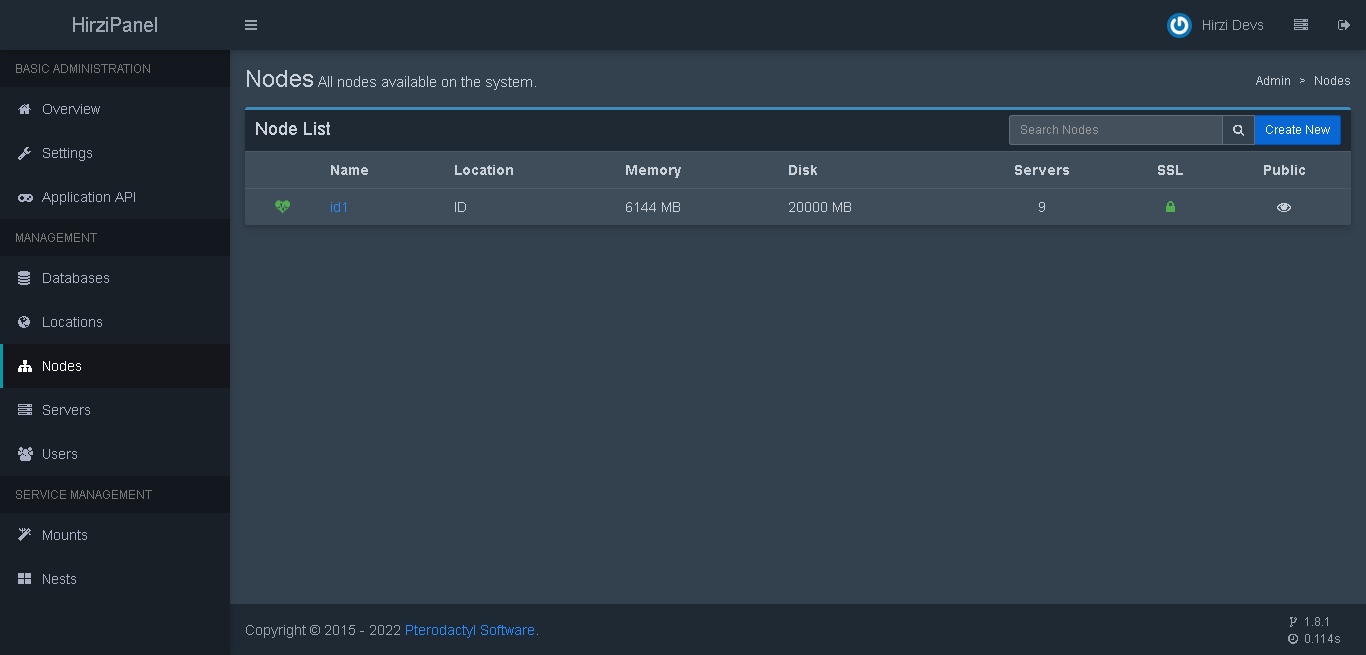
Select node from node list on admin page
-
Check the url and copy the node id

-
Add the id to the blacklist on config
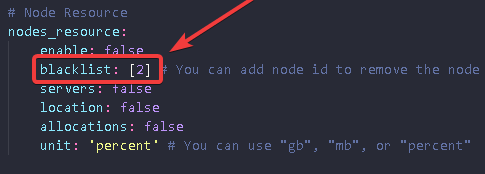
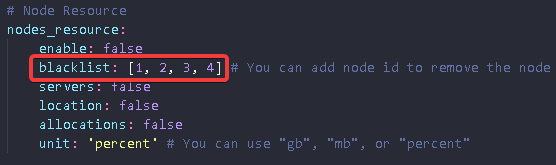
You can add more than one node in the blacklist
Admin Apikey Permission
enable read on all options, if still didn't work enable read & write on all options
