
 Sven van GinkelandGitHub
1da59e3771
Sven van GinkelandGitHub
1da59e3771
The agent runs as the beszel user under ProtectSystem=strict, so package
managers that write temp, cache or log files failed with only
"exit status 1" in the log.

- Include the command's stderr in package update check errors.
- dnf5: point XDG_STATE_HOME and XDG_CACHE_HOME into the agent's data
  dir. They default to $HOME, which is /nonexistent for the beszel user.
  With -C, dnf5 still reads the system metadata cache.
- zypper: keep the solv cache in the data dir with --solv-cache-dir,
  since the agent user cannot rebuild it in /var/cache/zypp.
- install-agent.sh, Debian unit: add PrivateTmp=yes. dnf4 (Rocky, Alma)
  and zypper keep temporary files in /var/tmp, which ProtectSystem=strict
  makes read-only. The install script also adds it to existing units
  when re-run.
Beszel
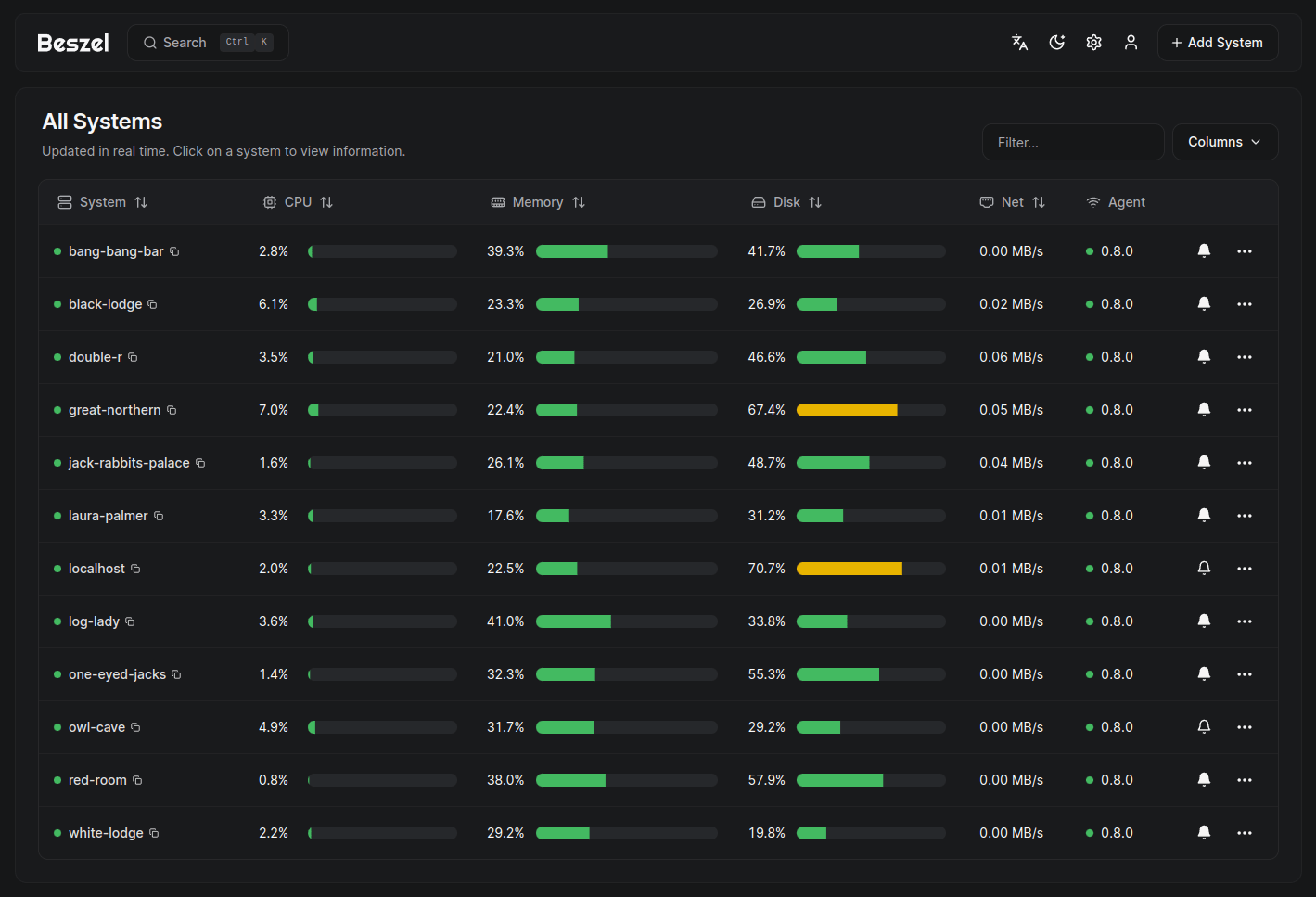
Beszel is a lightweight server monitoring platform that includes Docker statistics, historical data, and alert functions.
It has a friendly web interface, simple configuration, and is ready to use out of the box. It supports automatic backup, multi-user, OAuth authentication, and API access.




Features
- Lightweight: Smaller and less resource-intensive than leading solutions.
- Simple: Easy setup with little manual configuration required.
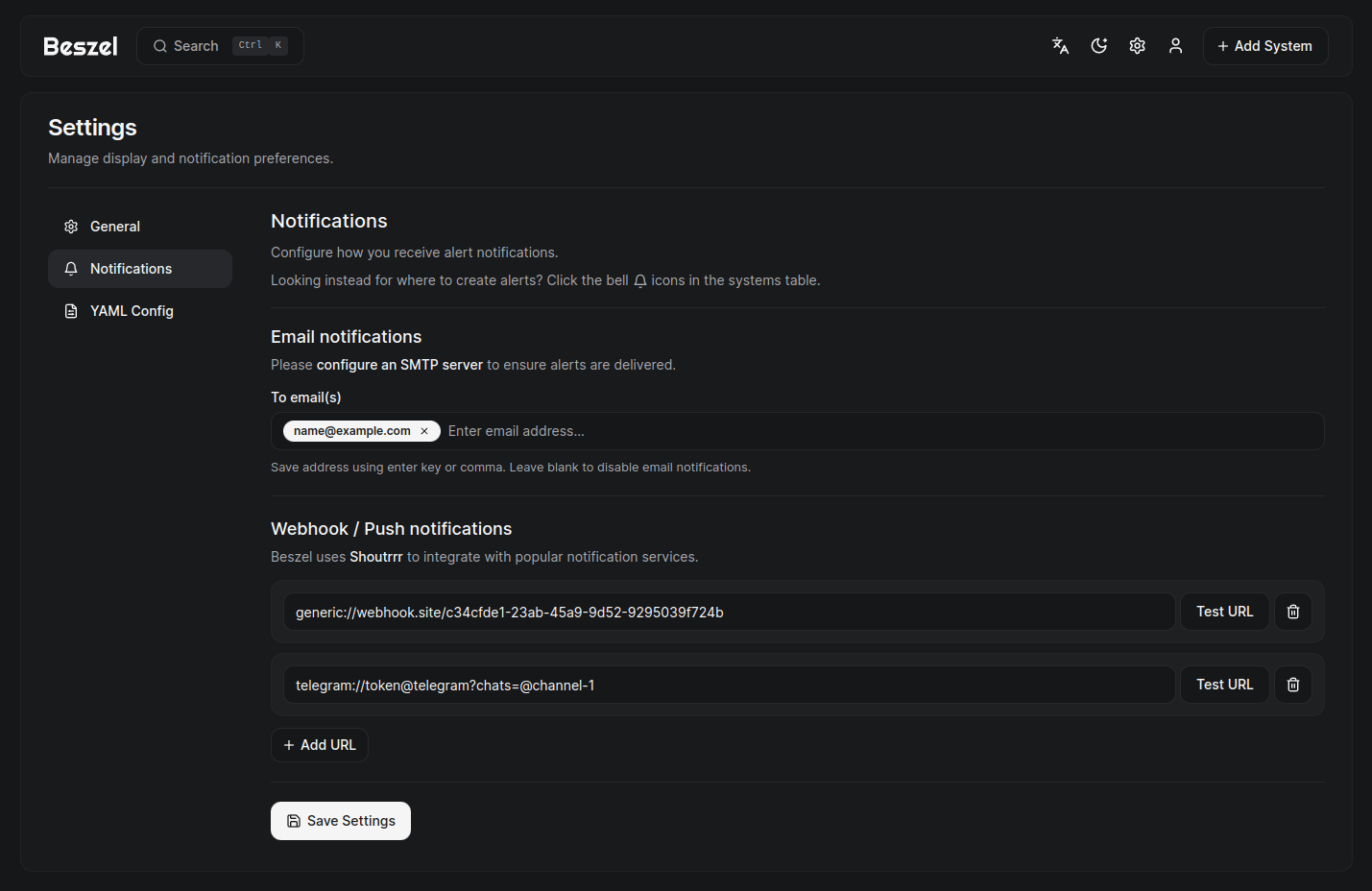
- Alerts: Configurable alerts for most metrics. Supports many notification services.
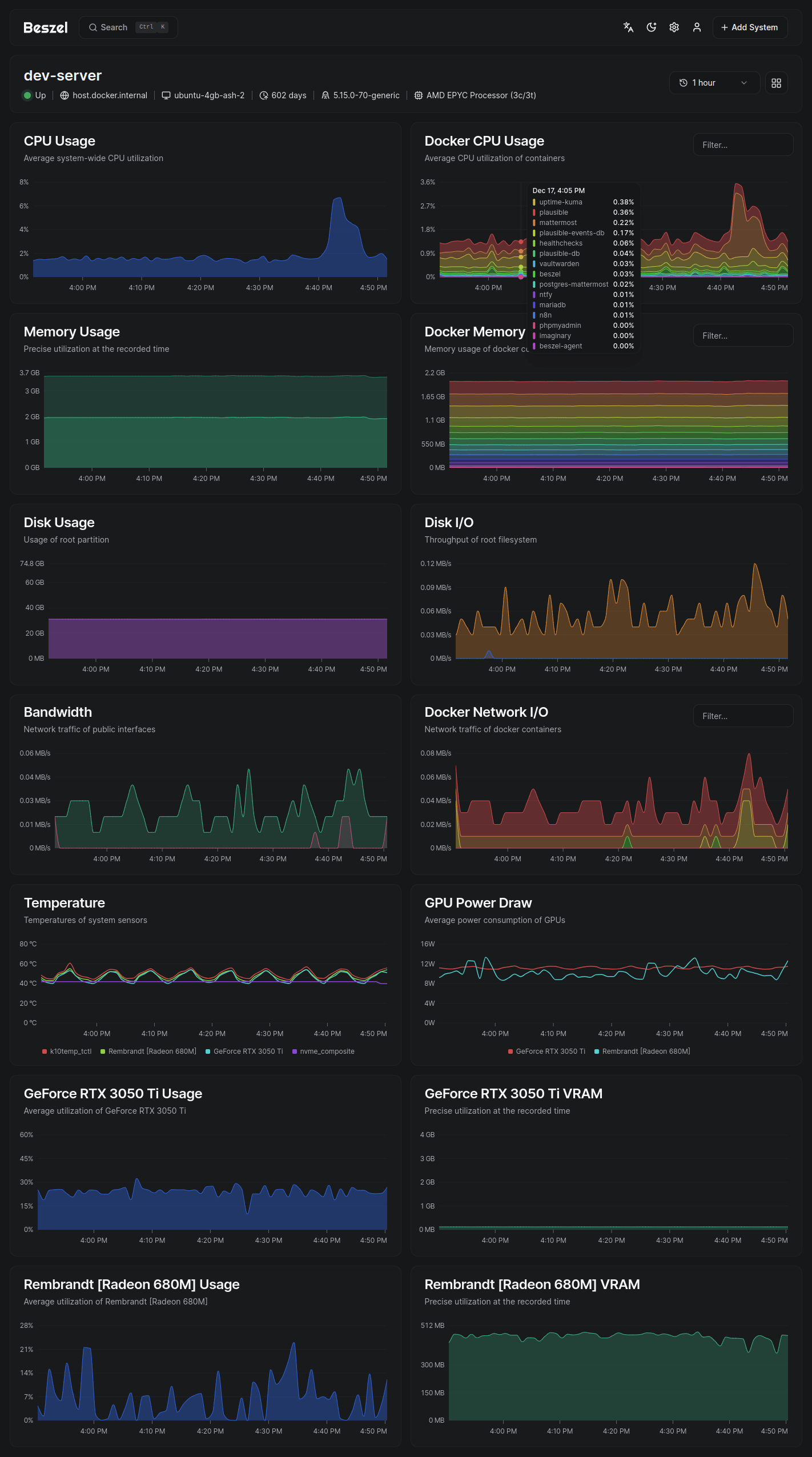
- Docker stats: Tracks CPU, memory, and network usage history for each container.
- Network monitoring: Monitor response time and interruptions directly from agents.
- S.M.A.R.T.: Disk health data and notifications on drive failure.
- Multi-user: Users manage their own systems. Admins can share systems across users.
- OAuth / OIDC: Supports many OAuth2 providers. Password auth can be disabled.
- Automatic backups: Save to and restore from disk or S3-compatible storage.
Architecture
Beszel consists of two main components: the hub and the agent.
- Hub: A web application built on PocketBase that provides a dashboard for viewing and managing connected systems.
- Agent: Runs on each system you want to monitor and communicates system metrics to the hub.
Getting started
The quick start guide and other documentation is available on our website, beszel.dev. You'll be up and running in a few minutes.
Screenshots
Supported metrics
- CPU usage - Host system and Docker / Podman containers.
- Memory usage - Host system and containers. Includes swap and ZFS ARC.
- Disk usage - Host system. Supports multiple partitions and devices.
- Disk I/O - Host system. Supports multiple partitions and devices.
- Network usage - Host system and containers.
- Load average - Host system.
- Temperature - Host system sensors.
- Fan speed - Host system sensors (Linux, via
/sys/class/hwmon). - GPU usage / power draw - Nvidia, AMD, and Intel.
- Battery charge - Host system and some peripherals.
- Containers - Status and metrics of all running Docker / Podman containers.
- S.M.A.R.T. - Host system disk health (includes eMMC wear/EOL and Linux mdraid array health via sysfs when available).
- ZFS - Pool capacity, usage, health, I/O throughput, scrub status, and per-dataset usage.
Help and discussion
Please search existing issues and discussions before opening a new one. I try my best to respond, but may not always have time to do so.
Bug reports and feature requests
Bug reports and feature requests can be posted on GitHub issues.
Support and general discussion
Support requests and general discussion can be posted on GitHub discussions or the community-run Matrix room: #beszel:matrix.org.
License
Beszel is licensed under the MIT License. See the LICENSE file for more details.